 Sova
Why the thread loses
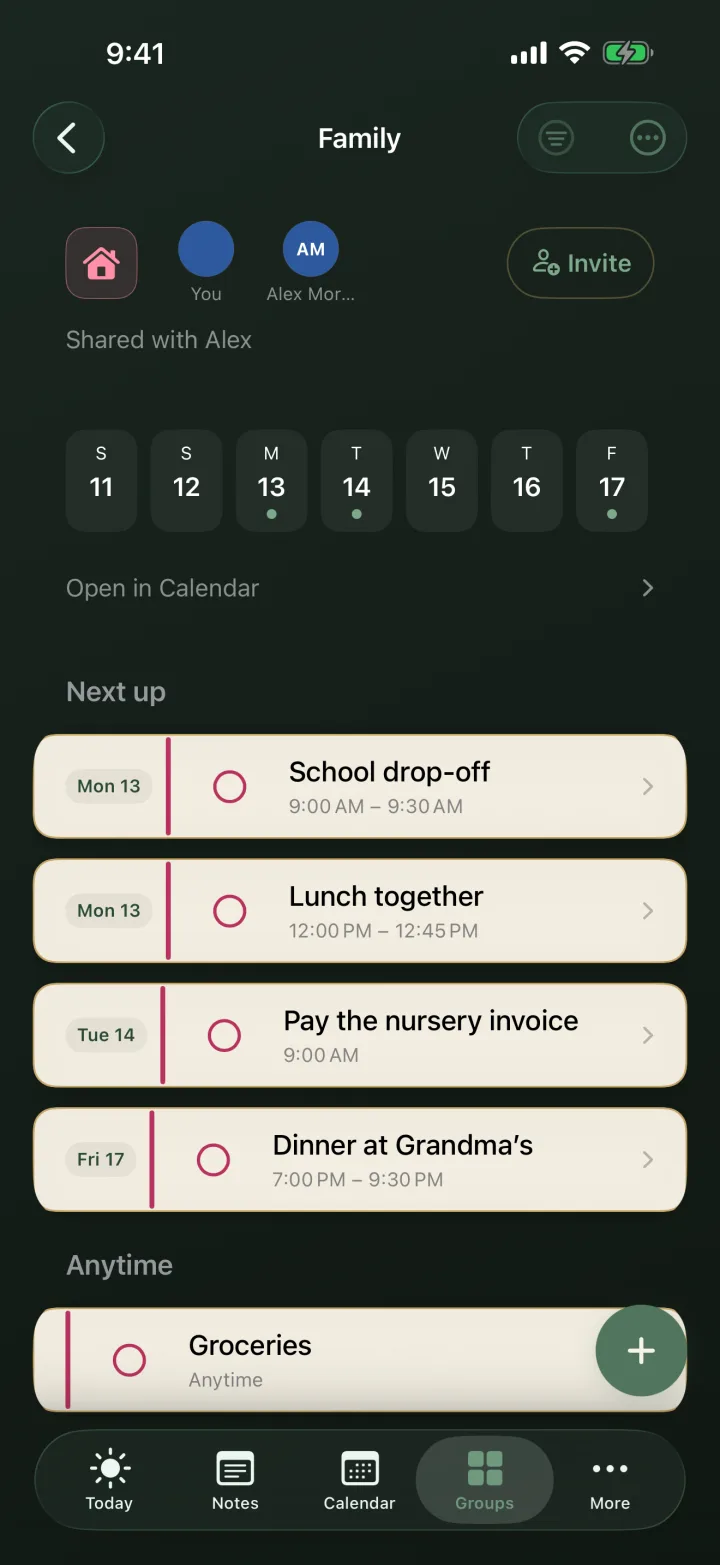
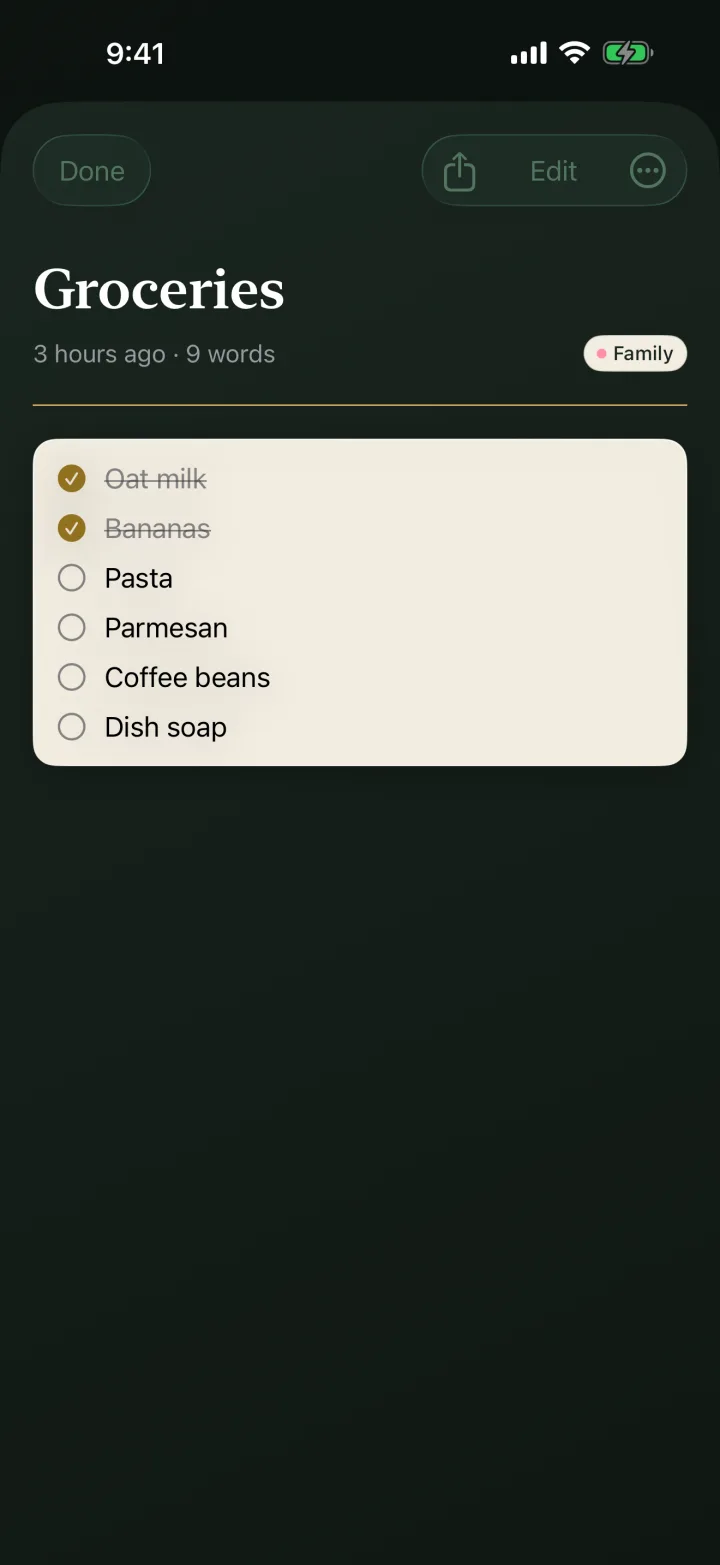
The grocery list is 40 messages up. The packing list is in a different chat. Nobody knows what is actually bought, and the person who wrote the list becomes the group secretary. A shared list should be one place everyone can see and tick, not a message you scroll for.
Four steps
- Make a groupOpen Sova and create a group for it: Home, Trip to Lisbon, School week. Groups keep each part of life separate instead of one pile.
- Add the listWrite it, paste it, or ask Siri. A list pasted from a chat or from Notes splits into separate items you can tick.
- Invite with one link or QRTap invite and send the link anywhere: iMessage, WhatsApp, email. They open it and join with Apple or an email code. No password, no account form.
- Everyone ticks from their Home ScreenThe list shows up on their Today and on the large widget. Buying milk becomes a tick, not a reply-all.
Good to know
You decide who can change things. View only, or view and add. Perfect for the person who should see the roster but not edit it.
Free is enough for most lists. Two shared lists, up to 10 people each, free forever. Bigger households and teams can add more with Sova Pro.
Private stays private. Groups you don't share never leave your iPhone. No ads or cross-app tracking.
Common questions
How do I share a list without a group chat?
Put the list in a shared Sova group and send one invite link. Everyone ticks the same list, in the app or from the Home Screen widget.
Do people need the app to join?
On iPhone they join in the app with Apple or an email code. Without an iPhone, they can join the shared list in a browser.
Is it free?
Yes. Two shared lists with up to 10 people each are free, with no ads.
The next time someone says "make a chat for it," send a link instead.
More guides and comparisons on the Sova blog.